




























A Smarter Way to Upgrade Your Access Control System
Access control upgrade | phased access control migration | future-ready access control
Many organisations find that their access control system still opens doors every day but no longer meets modern security, compliance or operational needs. Legacy proximity cards, ageing readers and closed infrastructure can quietly limit how far your security can grow.
Upgrading does not have to mean downtime or a complete rip-and-replace. As HID, one of the world's leading access control manufacturers, puts it, migration does not need to happen overnight, but it should happen intentionally. The key is choosing the right migration path for your size, budget and timeline. At Universal Smart Cards, we supply HID cards and readers and help organisations across the UK put that approach into practice.
Signs your access control system needs an upgrade
Most access control systems were designed for a different working world. Common reasons organisations upgrade include:
· Cards that can be easily copied or cloned
· Increased audit, governance and insurance requirements
· Hybrid working and multi-site estates that need more flexible access
· Readers or controllers reaching end of life, with spare parts harder to find
· Demand for mobile access control and a better user experience
Recognising the need is rarely the hard part. The challenge is upgrading without unnecessary risk, cost or disruption.
Start with your access control card strategy
Every upgrade decision follows from how people identify themselves at the door. Your credential strategy shapes the readers you buy, the migration path you follow and how future-ready your site will be.
Most UK sites use one or more of the following access control cards today:
125kHz proximity cards (including HID Prox). Widely installed and low cost, but they carry no encryption and can be copied with inexpensive equipment. If your site still relies on proximity cards, they should be the first thing you plan to replace.
HID iCLASS. Many UK sites run on earlier generations of iCLASS. These can be migrated to newer HID credentials without a disruptive switchover.
MIFARE Classic. A popular, cost-effective 13.56MHz smart card. It remains practical for many lower-risk sites, although its original security is no longer considered strong enough for high-security areas.
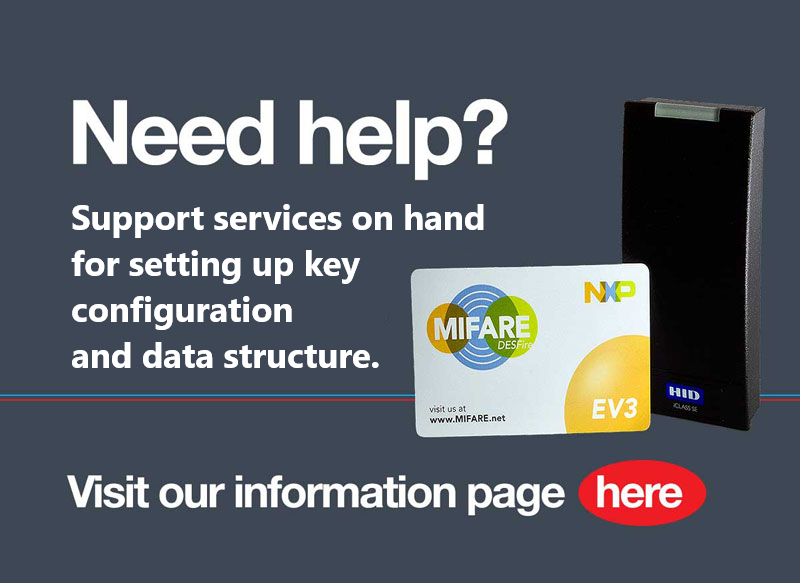
MIFARE DESFire EV3 and HID Seos. The current benchmarks for secure access control cards, using AES encryption and supporting multiple applications on one card, such as door access, cashless vending and secure print.
HID Mobile Access. Smartphone-based credentials using Bluetooth or NFC, ideal for flexible and hybrid workforces.
Your industry matters too. Food processing sites may restrict smartphones in production areas for hygiene reasons, and some high-security zones ban devices with cameras. That is why many organisations move to encrypted smart cards such as HID Seos or MIFARE DESFire EV3, and why most choose a hybrid rollout of smart cards and mobile credentials, so different users and areas are covered.
Defining this early ensures your infrastructure supports both current and future requirements.
Three proven access control upgrade paths
Once your credential strategy is clear, HID sets out three main migration approaches. The right one depends on your organisation's size, budget and operational constraints.
1. Complete access control system refresh
Staff receive new credentials in advance, then every reader is replaced over a short period such as a weekend, for example moving straight to HID Signo readers and Seos cards. It is the cleanest and lowest-cost route, with no need to manage two technologies at once, and is best suited to small organisations with simple layouts.
In reality, it is rarely practical even for small sites. Everything has to go to plan, and any delay can leave staff locked out of areas they need to reach.
2. Credentials-first upgrade
Multi-technology HID cards are issued first. A card combining HID Prox with Seos or MIFARE DESFire EV3 works on your existing readers immediately. Readers are then replaced on your own timeline, and each new installation can be tested without affecting daily operations.
This route suits organisations with relatively few employees but multiple locations or complex reader installations. Multi-technology cards cost more than single-technology cards, so it works best when credentials are a small part of your overall budget.
3. Readers-first upgrade
HID Signo readers that read both legacy and modern credentials are installed first, so staff keep using their existing cards with no change to their day. Once every reader is replaced, new smart cards or HID Mobile Access credentials are issued. The final step is configuring readers to stop accepting legacy credentials.
HID recommends this route for the majority of organisations, especially those with larger or distributed workforces.
Credentials first or readers first? Do the maths
Multi-technology readers and cards both cost a little more than single-technology versions, so the most economical route is usually the one that needs fewer multi-technology devices.
If you have many employees but fewer doors, go readers first: you buy multi-technology readers and keep using standard cards during the migration. If you have many doors but fewer employees, go credentials first: you issue a smaller number of multi-technology cards and keep your standard readers until you are ready to replace them.
Choosing access control readers that bridge old and new
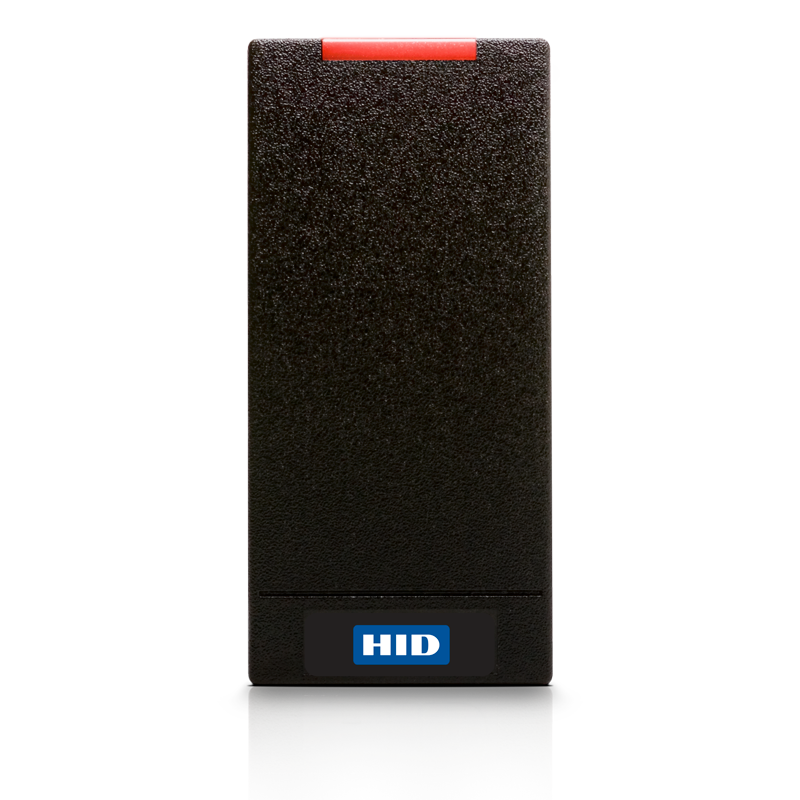
Readers are the link between your credentials and your access control system, so choosing well avoids costly rework. HID Signo readers are a good example of what to look for:
· Multi-technology support so one reader handles HID Prox, iCLASS, MIFARE, DESFire and Seos during the transition
· OSDP connectivity rather than older Wiegand wiring, giving encrypted, monitored communication between reader and controller
· Bluetooth and NFC readiness so mobile access can be switched on later without replacing hardware
Protecting your existing access control investment
A common concern is replacing equipment that still works. Modern access control technology is designed to bridge legacy and new infrastructure, so you can keep what works, upgrade what doesn't and move users across at a pace that suits your organisation.
A simple phased upgrade checklist
1. Audit your current cards, readers, controllers and software
2. Define your credential strategy by site, user group and security level
3. Choose your upgrade path: full refresh, credentials-first or readers-first
4. Pilot on one site or door group
5. Roll out in phases
6. Configure readers to stop accepting legacy credentials, then retire old cards
Future-ready access control without pressure
Not every organisation is ready for mobile access control today. Selecting readers and credentials that support Bluetooth, NFC and secure smart card standards means you can add new technology when you are ready. Install once, evolve over time.
Why we recommend HID for access control upgrades
Many UK sites already run on HID Prox or iCLASS, so HID's multi-technology cards and readers often work with what you already have. These products are designed specifically for phased migration, and the same ecosystem extends to mobile access and IT login. That means fewer suppliers to manage and a clear path forward as your needs change.
Taking it further: one card for physical and logical access control
Once you are upgrading your access control cards, it is worth asking one more question: could the same card secure your computer logins too?
Physical access control (doors, gates, car parks) and logical access control (computers, networks and cloud apps) have traditionally been managed separately, with separate credentials. Hybrid smart cards change that by putting both on one card.
The IT side uses FIDO2, a rapidly emerging open standard from the FIDO Alliance, for logging in to computers and online services. It is the same standard behind passkeys. FIDO2 does not open doors. It enables passwordless authentication using cryptographic keys stored on a smart card. The key never leaves the card, so there is nothing to phish, guess or reuse.
The HID Crescendo 4000 carries FIDO2 alongside the door technologies covered above, including HID Prox, MIFARE Classic and MIFARE DESFire EV3. The door technology opens your doors, just as your current cards do, while FIDO2, with a PIN or fingerprint, gives staff two-factor login at the desk. One issuing process, one revocation when someone leaves, and smart card login instead of passwords.
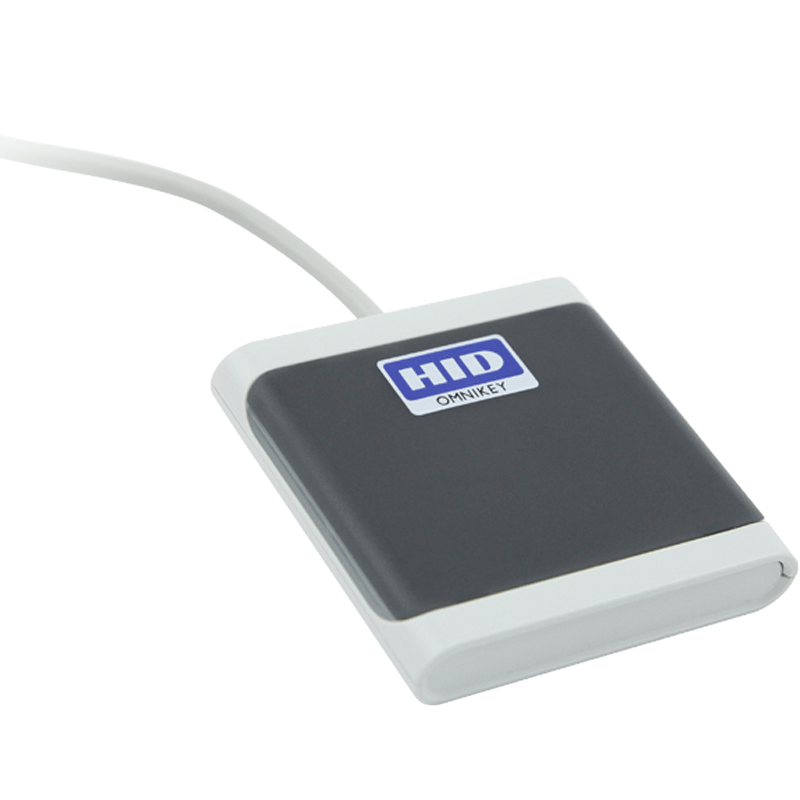
On a credentials-first route, issuing Crescendo cards instead of standard multi-technology cards gives staff a card that works on today's door readers and is ready for passwordless login. Desk login just needs a compatible NFC or USB reader.
This matters for compliance. Pressure to strengthen IT authentication is growing even faster than in the physical security world. Cyber Essentials requires multi-factor authentication for cloud services, the EU's NIS2 directive lists MFA among its required measures, and the UK's Cyber Security and Resilience Bill is extending the NIS Regulations to more organisations. Choosing a FIDO2-capable credential during your access control upgrade ticks both boxes in one project.
The Universal Smart Cards approach
Universal Smart Cards is a global specialist distributor of smart cards, readers and access control products. We focus on:
· Clear, jargon-free guidance
· Practical phased migration planning
· Reduced operational risk and disruption
· Long-term scalability
Frequently asked questions
How do I upgrade an access control system without disruption?
Use a phased approach. Issue multi-technology cards or install multi-technology readers first, so old and new technology run side by side while you migrate.
Which upgrade path is best for my organisation?
Readers-first suits most organisations, especially those with many employees. Credentials-first can be more economical if you have many doors but fewer staff. A complete refresh is fastest but rarely practical.
Can I upgrade from HID Prox cards without replacing my readers?
Yes. Multi-technology HID cards carry Prox alongside a secure smart card technology, so they work on your current readers while you upgrade them over time.
Are proximity cards still secure?
125kHz proximity cards have no encryption and can be cloned easily. For anything beyond low-risk areas, we recommend moving to MIFARE DESFire EV3, HID Seos or mobile credentials.
What is the difference between MIFARE Classic and MIFARE DESFire EV3?
Both are 13.56MHz smart cards. DESFire EV3 uses AES encryption and supports multiple applications, making it the stronger choice for secure sites.
Do I need to replace all my readers at once?
No. Multi-technology readers and cards let you upgrade gradually, door by door or site by site.
What is FIDO2?
An open standard for passwordless authentication that lets users sign in with a smart card, security key or phone instead of a password.
Is a FIDO2 smart card two-factor authentication?
Yes. The card is the possession factor, and the PIN or fingerprint used to unlock it is the second factor. This gives you strong 2FA without a password.
Can one card open doors and log in to computers?
Yes, but not through FIDO2, which is for computer and online login only. Hybrid cards such as the HID Crescendo 4000 also carry door access technology such as Prox or DESFire EV3, so one physical card handles both.
Speak to our access control experts
Every site is different, and the right upgrade path depends on the cards, readers and systems you already have. Our team can review your current setup, recommend the best HID cards and readers for your needs, and help you plan a phased upgrade that fits your timescales and budget.
Whether you are replacing proximity cards, moving to HID Signo readers or adding passwordless login with HID Crescendo, we're here to help.
Contact our experts today for practical, no-obligation advice on upgrading your access control system.